
Frantics1.05 - App Store
You'll be able to see results in few seconds.
Publisher Description
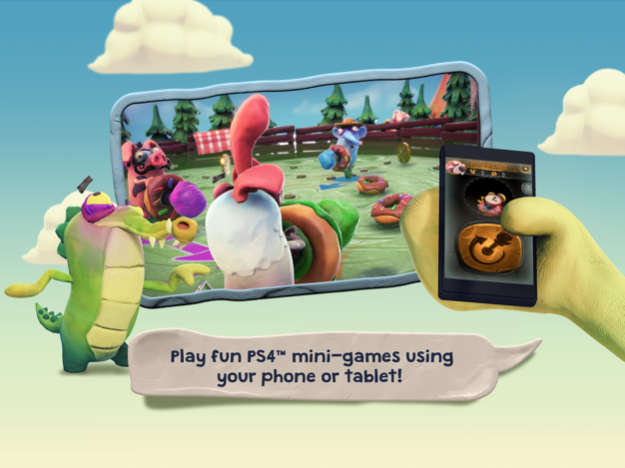
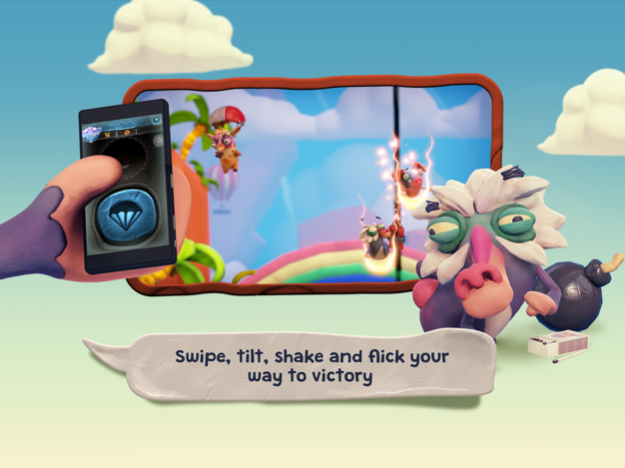
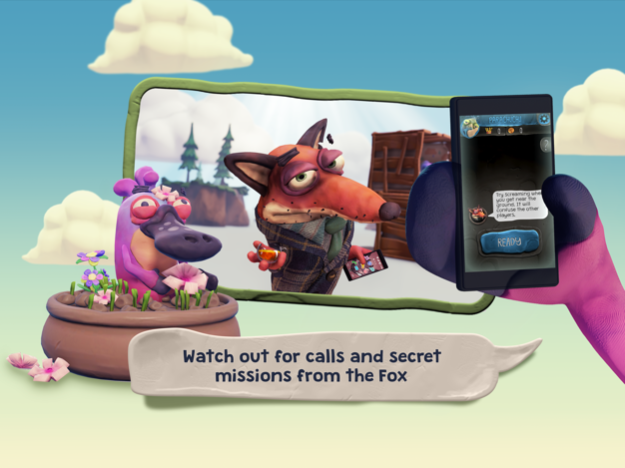

Play a variety of quirky mini-games in Frantics™ on PlayStation®4 with this Frantics™ Companion App.
Challenge your friends and family in everything from crazy arena brawls to wacky races for up to four players. Your charmingly unfair fox host will help you sabotage your rivals, but beware – he’s helping them too!
It’s easy to join in – just use your smartphone or tablet as a controller to shake, tilt, swipe and snap. You may even find that the Fox calls you for secret missions...
Make sure your PS4™ console is connected to the same Wi-Fi network as your device and then you're ready to go. Simply follow the in-app instructions to connect.
Use this app to:
• Choose an animal to play as and shake your device to randomize it.
• Snap a selfie to show who’s who in the game.
• Play nice or sabotage other players in mini-games using your own screen.
• Receive texts and calls from the Fox to help you win.
The application can be used in the following languages:
English, French, German, Italian, Spanish, Dutch, Portuguese, Swedish, Danish, Norwegian, Finnish, Russian, Polish, Brazilian Portuguese, Latin American Spanish, Turkish, Greek, Czech, Hungarian, Japanese & Arabic.
PlayLink for PS4™ titles are all about social gaming that everyone can enjoy. Pop a game into your PS4™, pick up your smartphone or tablet, gather around your TV and prepare for a refreshingly different experience – without the need for multiple DUALSHOCK®4 wireless controllers.
playstation.com/playlinkforps4
This app turns your device into a controller. PS4™ console, Frantics™ and the Frantics™ Companion App are required to play. PS4™ console and Frantics™ are sold separately.
The following Terms of Use and Privacy Policy apply to the use of this app, depending on your country of residence:
playstation.com/legal/software-usage-terms/
Dec 8, 2018
Version 1.05
General Bug Fixes
About Frantics
The company that develops Frantics is PlayStation Mobile Inc.. The latest version released by its developer is 1.05.
To install Frantics on your iOS device, just click the green Continue To App button above to start the installation process. The app is listed on our website since 2018-12-08 and was downloaded 0 times. We have already checked if the download link is safe, however for your own protection we recommend that you scan the downloaded app with your antivirus. Your antivirus may detect the Frantics as malware if the download link is broken.
How to install Frantics on your iOS device:
- Click on the Continue To App button on our website. This will redirect you to the App Store.
- Once the Frantics is shown in the iTunes listing of your iOS device, you can start its download and installation. Tap on the GET button to the right of the app to start downloading it.
- If you are not logged-in the iOS appstore app, you'll be prompted for your your Apple ID and/or password.
- After Frantics is downloaded, you'll see an INSTALL button to the right. Tap on it to start the actual installation of the iOS app.
- Once installation is finished you can tap on the OPEN button to start it. Its icon will also be added to your device home screen.
Program Details
System requirements
Download information
Pricing
Version History
version 1.05
posted on 2018-12-08
Dec 8, 2018 Version 1.05
General Bug Fixes
Disclaimer
Official App Store Link
We do not host Frantics on our servers. We did not scan it for viruses, adware, spyware or other type of malware. This app is hosted by Apple and passed their terms and conditions to be listed there. We recommend caution when installing it.
The App Store link for Frantics is provided to you by apps112.com without any warranties, representations or guarantees of any kind, so access it at your own risk.
If you have questions regarding this particular app contact the publisher directly. For questions about the functionalities of apps112.com contact us.
